


Nyxbets App
The Nyxbets app is our PWA version of the casino for mobile and desktop play. We built it for players who want faster access without depending on a traditional store app. Once you add the shortcut, you can open Nyxbets Casino from your screen and return to the same account on different devices.



Benefits and Features of the Nyxbets App
If you visit Nyx Bets Casino regularly, you do not need to start from a browser search each time. The shortcut gives you a quicker way back to the casino.
The biggest advantage is continuity. You can move between mobile and desktop without changing accounts or losing access to the main tools. A player might check the lobby on a phone earlier in the day, then continue on a larger screen later with the same profile and wallet access.
We also keep the setup lighter than a traditional store-based app. Instead of downloading separate software, you add Nyxbets from the browser and keep it close at hand on the device you use most.
The layout stays consistent across screens, so you can get to the lobby, cashier, and account area without relearning the platform each time.
| Feature | Regular browser access | Nyxbets app shortcut |
| How you open the casino | Open the browser and find the site | Launch from the home screen or desktop |
| Session style | Standard browser tab | More direct, app-style access |
| Account continuity | Same account after login | Same account after login |
| Extra store download | Not required | Not required |
| Best fit | Occasional visits | Frequent return sessions |
Nyxbets App for Android
The Nyx Bets app suits players who want quick access without filling the device with extra software. Some Android users may expect a Nyxbets APK, but our app works as a PWA, so the shortcut already does the job. The shortcut opens the casino straight from the home screen, which makes short visits much more convenient.
For everyday use, the Android version keeps the main parts of Nyxbets easy to handle on a smaller screen. Players can use it to:
- search for games by name,
- open the cashier without extra navigation,
- check promotions and account details quickly,
- move between the lobby and profile tools without a reduced mobile feel.
This format works especially well during shorter sessions. A player can return to the platform during a break, review recent activity, or continue playing without digging through browser tabs or browser history.
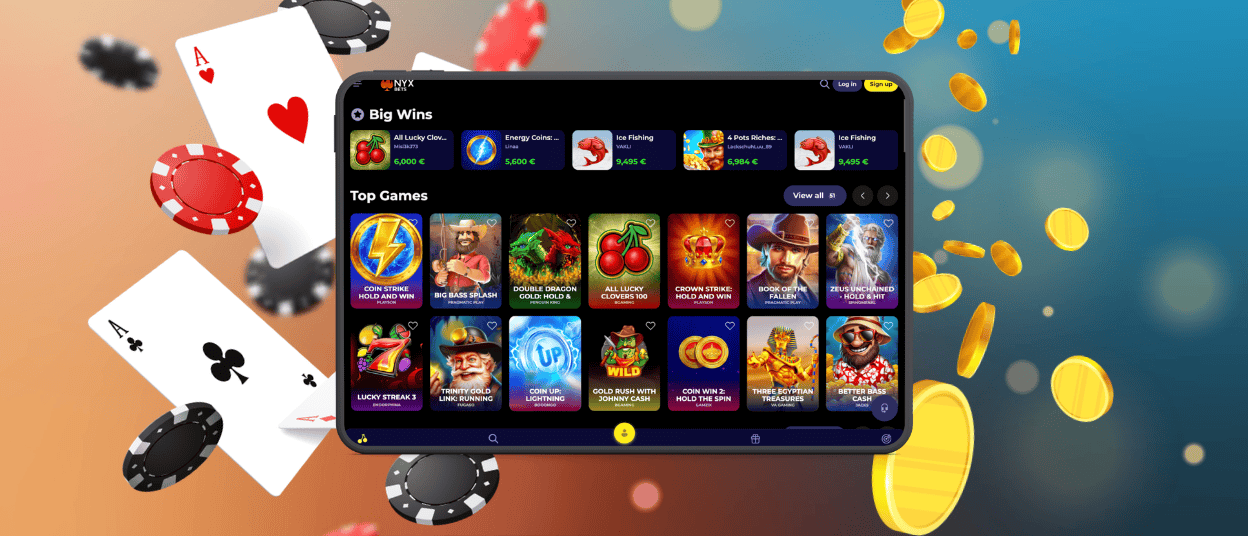
Mobile Application for iOS
The Nyxbets app works smoothly on iPhone and iPad for players who want direct access to the casino without a separate store-based install. Once the shortcut is added, the platform opens in a familiar format, and the same account stays available across sessions. The main tools stay easy to reach on iPhone and iPad, from balance checks to account settings and game browsing.
For iOS users, that means less clutter and a more direct way to get back to the casino. Instead of treating the casino as a separate bulky install, iOS users get a more flexible version of the same platform. The layout still supports browsing, account management, and game discovery, while the smaller screen keeps the experience focused. That makes the app practical for everyday use, especially when you want to open Nyx Bets Casino quickly and continue where you left off.
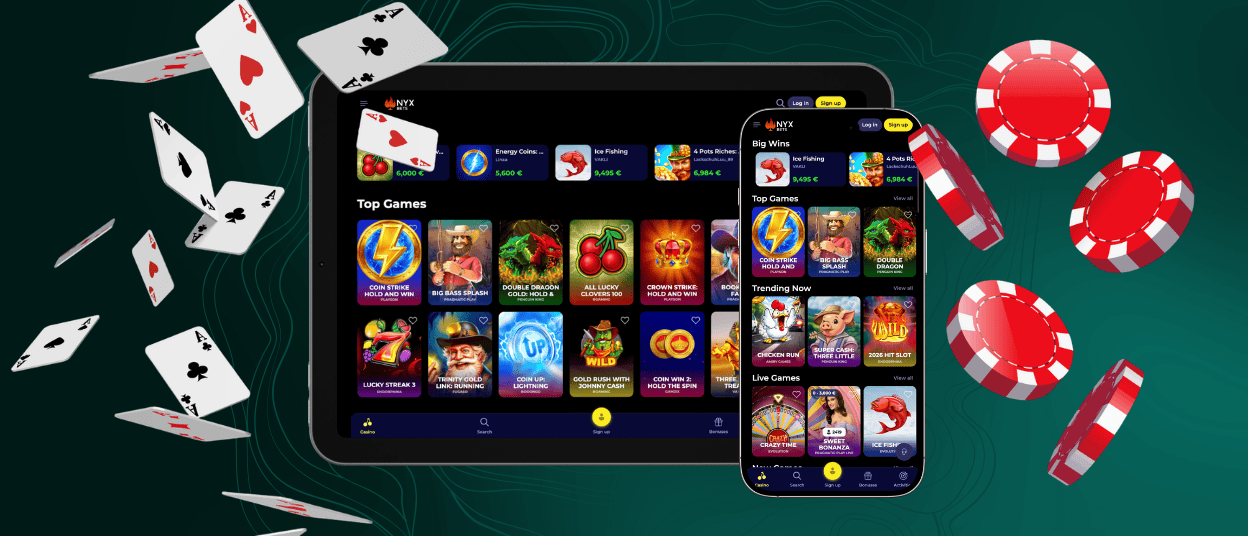
Play Nyxbets on Mac or Windows
Nyxbets also works well on Mac and Windows for players who prefer a larger screen and a more settled playing environment. On desktop, the shortcut makes the biggest difference for returning visits. You do not need to open a browser, scan through tabs, and search for the site again. One click takes you back to the platform. That sounds minor, but it improves the flow of regular use.
A wider screen also changes the way the casino feels. The lobby has more room to breathe, categories stay easier to scan, and longer sessions become more comfortable. This is the better fit for players who like to compare several games, spend more time in the live section, or review account details in a less compressed layout. Nyx Bets keeps the same core structure here as well, so desktop users still get the familiar search tools, account area, and full access to the casino library.
Account tasks often work better on desktop. A larger display makes it easier to review profile details, manage payments, and keep support conversations in view. We do not treat desktop as a fallback. It remains a strong option in its own right.
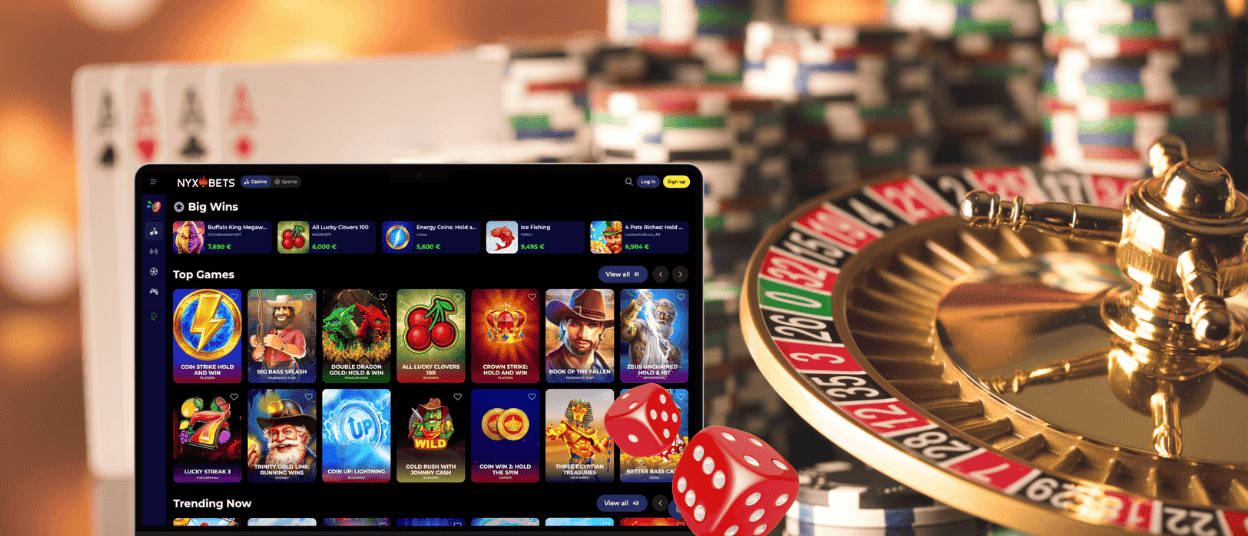
How to Install the Nyxbets App on Any Device
Setting up the Nyxbets app takes very little time, and the exact path depends on the device you use. We keep the process browser-based, so you add a shortcut straight from the website instead of going through a traditional app store.
To add Nyxbets Casino to your device, follow the option that matches your setup:
- Android: Chrome lets you add Nyx Bets to the home screen from the browser menu.
- iPhone or iPad: Safari has the same option through the Share menu.
- Mac or Windows: desktop users can save Nyxbets as a shortcut or install the PWA version when the browser supports it.
Once the shortcut is in place, it becomes a direct way back to the casino. You log in with the same account and return to the same balance, profile tools, and general account access linked to Nyx Bets.
FAQ
Does uninstalling the Nyxbets app delete my account?
No. Removing the shortcut only removes the access point from your device. Your Nyxbets account remains active on the platform itself, so you can return later by opening the website again and signing in.
How can I update the Nyx Bets app?
Because the app works as a PWA connected to the website, updates do not follow the usual store-based pattern. In most cases, you simply use the current version through the shortcut, and the latest site changes appear there as the platform updates.
Can I switch seamlessly between desktop and PWA?
Yes. Your account stays the same, so you can move from desktop to the PWA and keep using the same balance, profile, and account access.


